 Discord Activity
Discord Activity
This Project Template is a starting point for crafting HTML5 multiplayer Discord Activities.
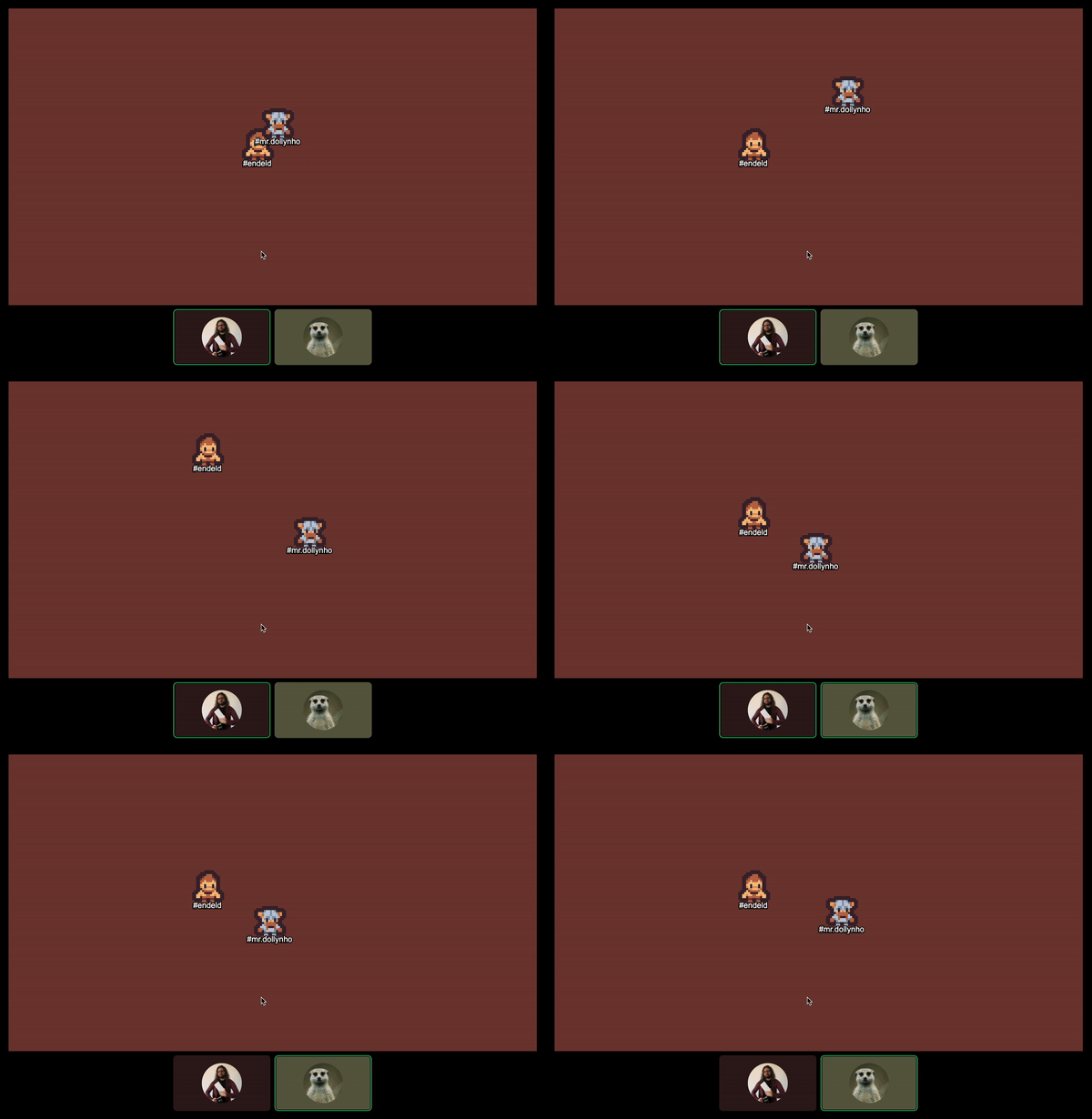
Check out the Discord Activity Examples to see how to use the Discord Activity SDK with Colyseus.
Project Structure
The frontend and backend are separated into two different modules.
apps/client/- Has the frontend project, using Pixi.js and Viteapps/server/- Has the backend project, using Colyseus (Node.js)
Environment variables
Both the client and server projects need environment variables configured from your Discord Activity.
apps/client/.env- Should contain your “OAuth2 → Client ID” underVITE_DISCORD_CLIENT_ID.apps/server/.env- Should contain your “OAuth2 → Client ID” underDISCORD_CLIENT_IDand “OAuth2 → Client Secret” underDISCORD_CLIENT_SECRET.
Testing your local Discord Activity
In order to test your Discord Activity locally, you need to expose your local server to the public internet.
We will need to open 3 terminal windows to run the server, client, and the cloudflared tunnel.
- Start the server
npm run start:server- Start the client
npm run start:client- Use
cloudflaredorngrokfor exposing your local server to a public URL (see complete tutorial here).
During development, there’s no need to expose the server to the public internet - only the client. Our Vite development server proxies the /colyseus requests to our local server.
npm run cloudflared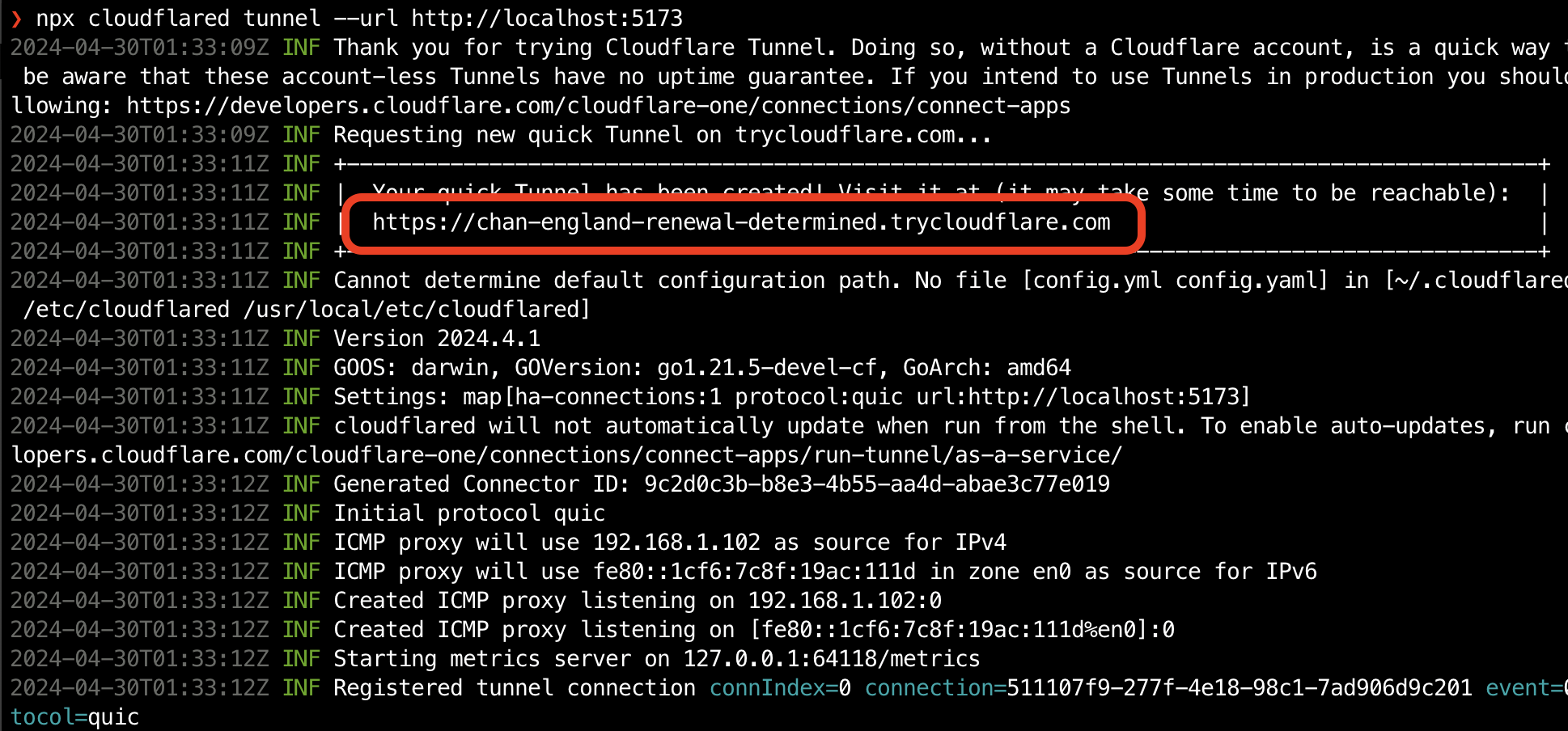
You will need to update your Discord Activity’s “OAuth2 → Redirect URL” and “URL Mappings → Target” to the URL provided by cloudflared:
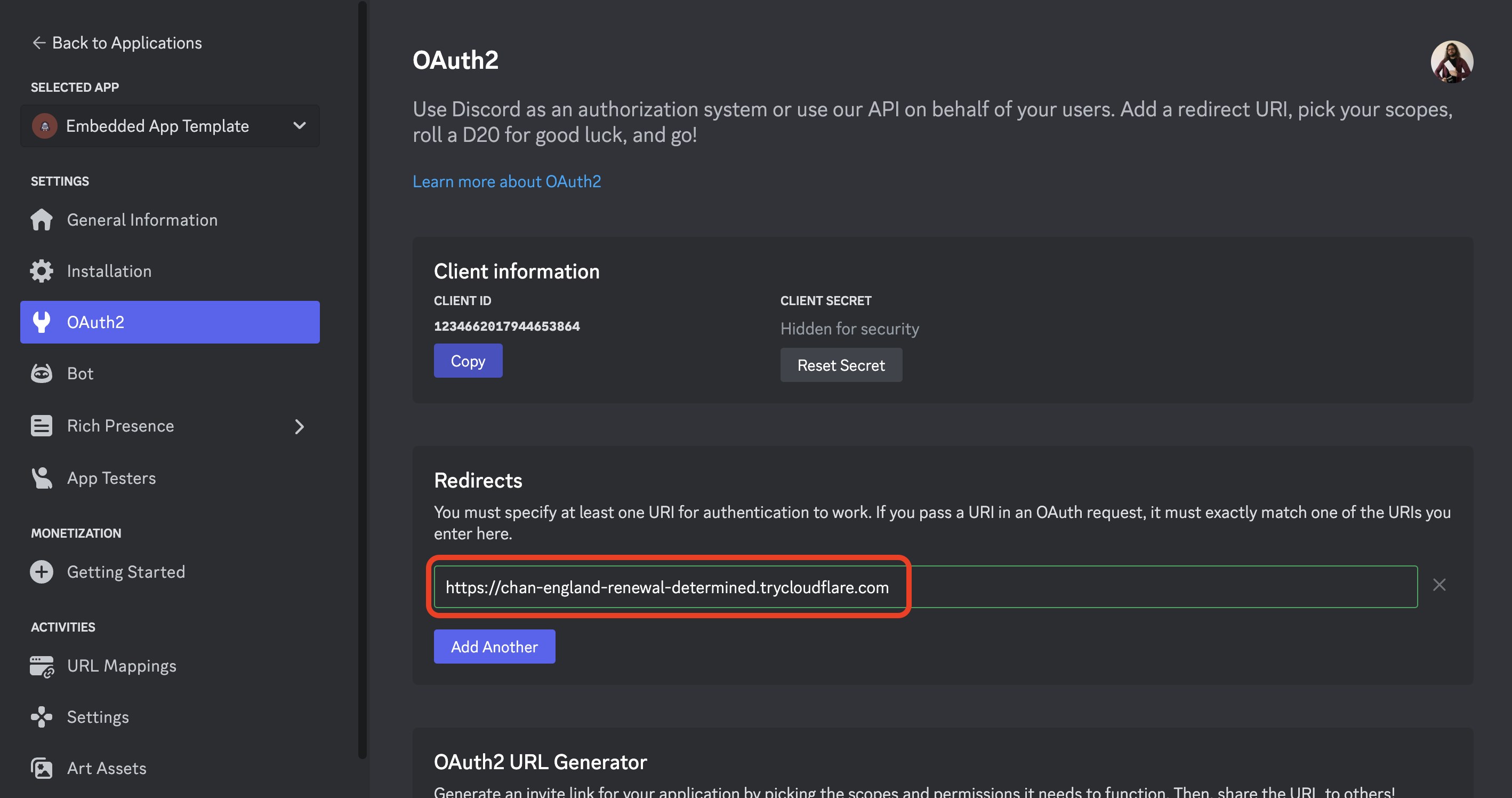
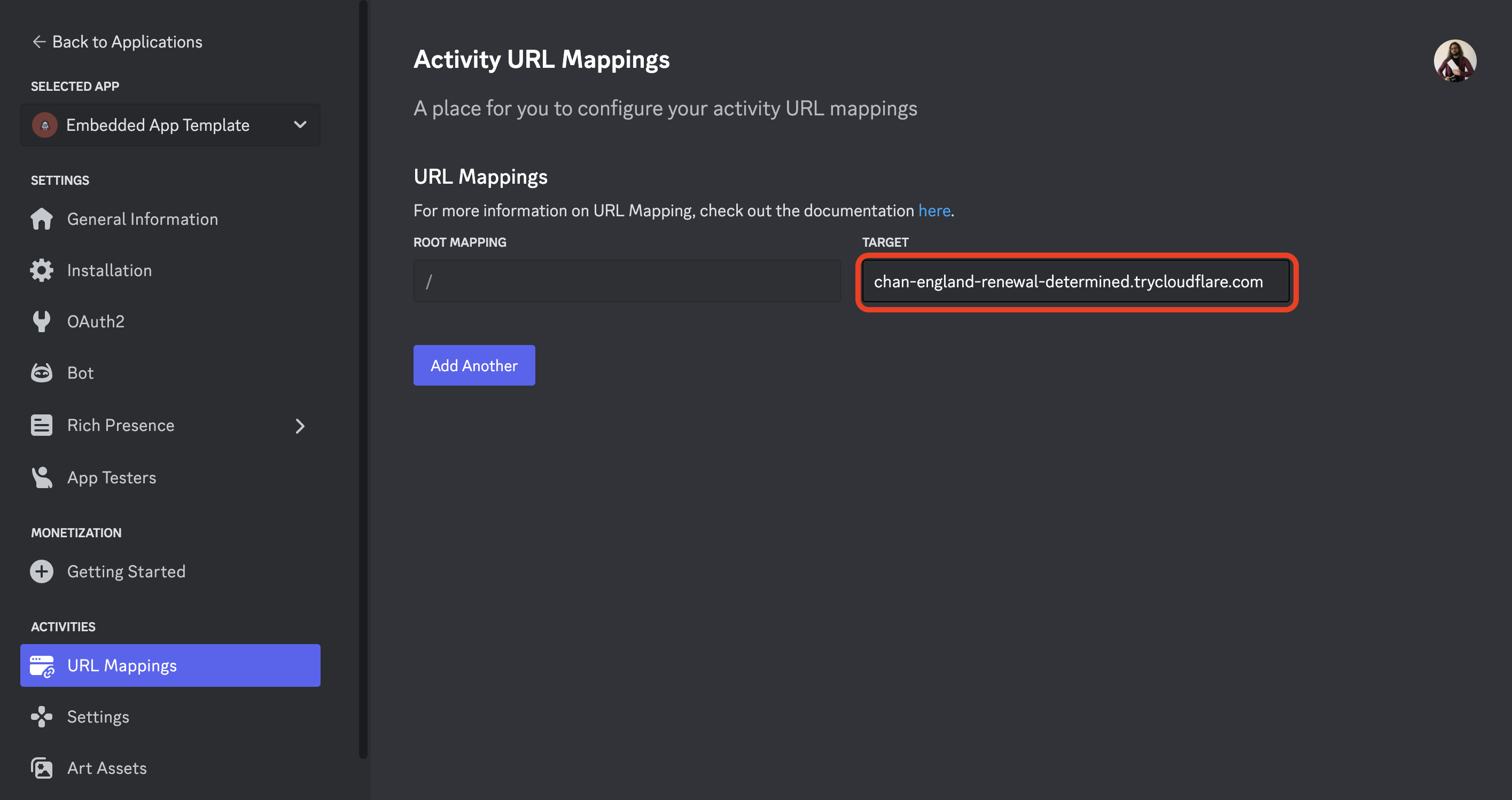
Each time you run cloudflared, it will generate a new URL. Be sure to update your Discord Activity’s “OAuth2 → Redirect URL” and “URL Mappings → Target” to the new URL.
(Be sure to complete all the steps listed here to ensure your development setup is working as expected.)
Using Colyseus Cloud
When using Colyseus Cloud with Scalability, you must configure the following URL Mappings:

When instantiating the Client SDK, you should do as follows:
new Client('https://[subdomain].colyseus.cloud')
Deploying your Discord Activity
When deploying your Discord Activity, you will generally need to deploy the client and server projects separately, under their own public URLs.
You can use services like Vercel, Netlify, or Heroku to deploy your client project. For the server project, use Colyseus Cloud, Vultr, AWS, or DigitalOcean.
You will need to configure your Discord Activity’s URLs:
- “OAuth2 → Redirect URL” to point to your deployed client project.
- “URL Mappings → Root Mapping / Target” to point to your deployed client project.
- “URL Mappings → Prefix
/colyseus/ Target” to point to your deployed server project.
Next Steps
- Client SDK API Reference - Full API documentation for all methods, events, and room operations
- State Synchronization - Understanding Schema definitions
- Room API - Server-side room implementation
 Native SDK (C)
 WeChat